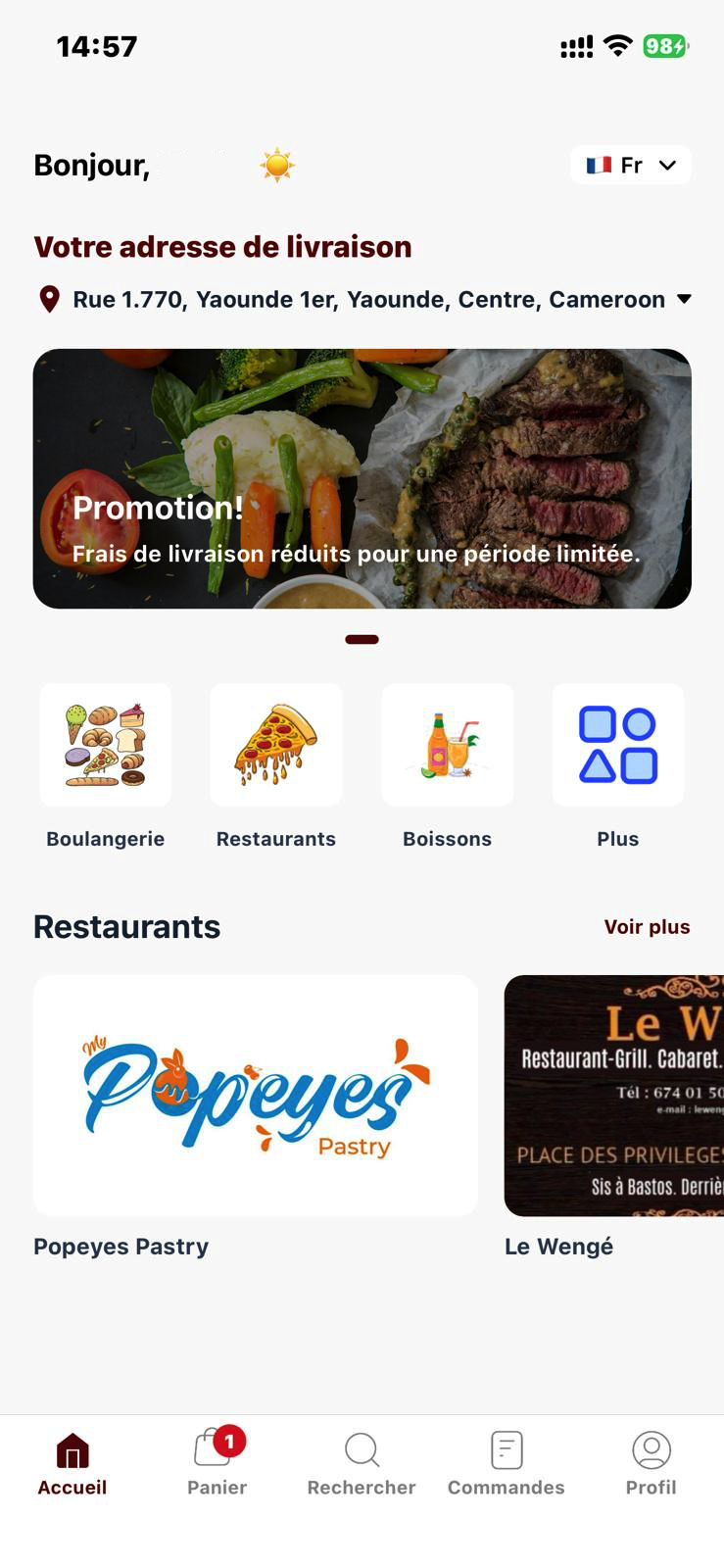
Download the
KOMER App
Get the best experience on the go. Download the official KOMER app for iOS and Android to request rides, order food, and manage your deliveries seamlessly.


Scan the QR code below with your phone's camera to download the KOMER app instantly and start requesting rides, food, and groceries.
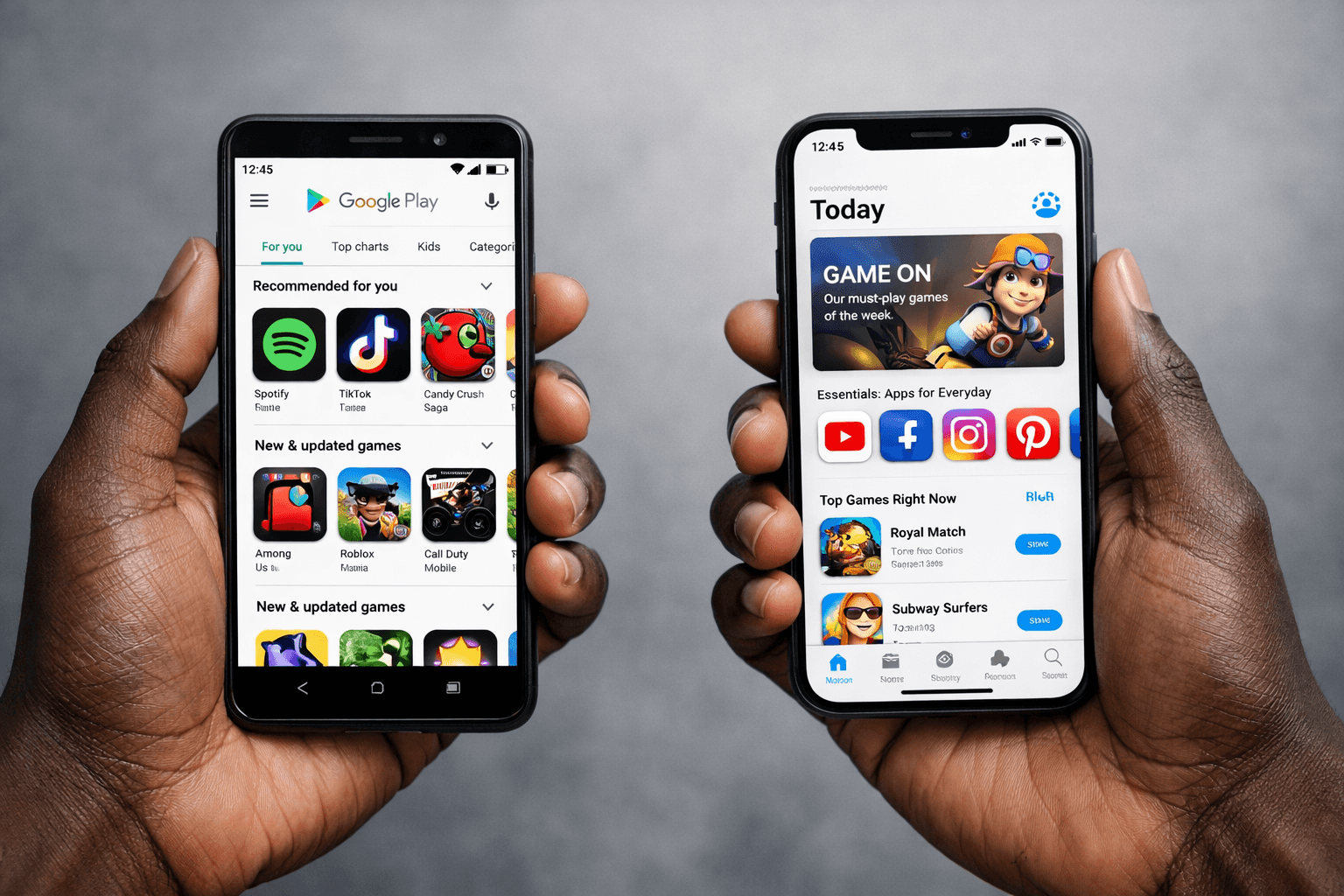
A quick guide to KOMER
Here's how the KOMER app and website connect drivers and riders on demand, step by step:
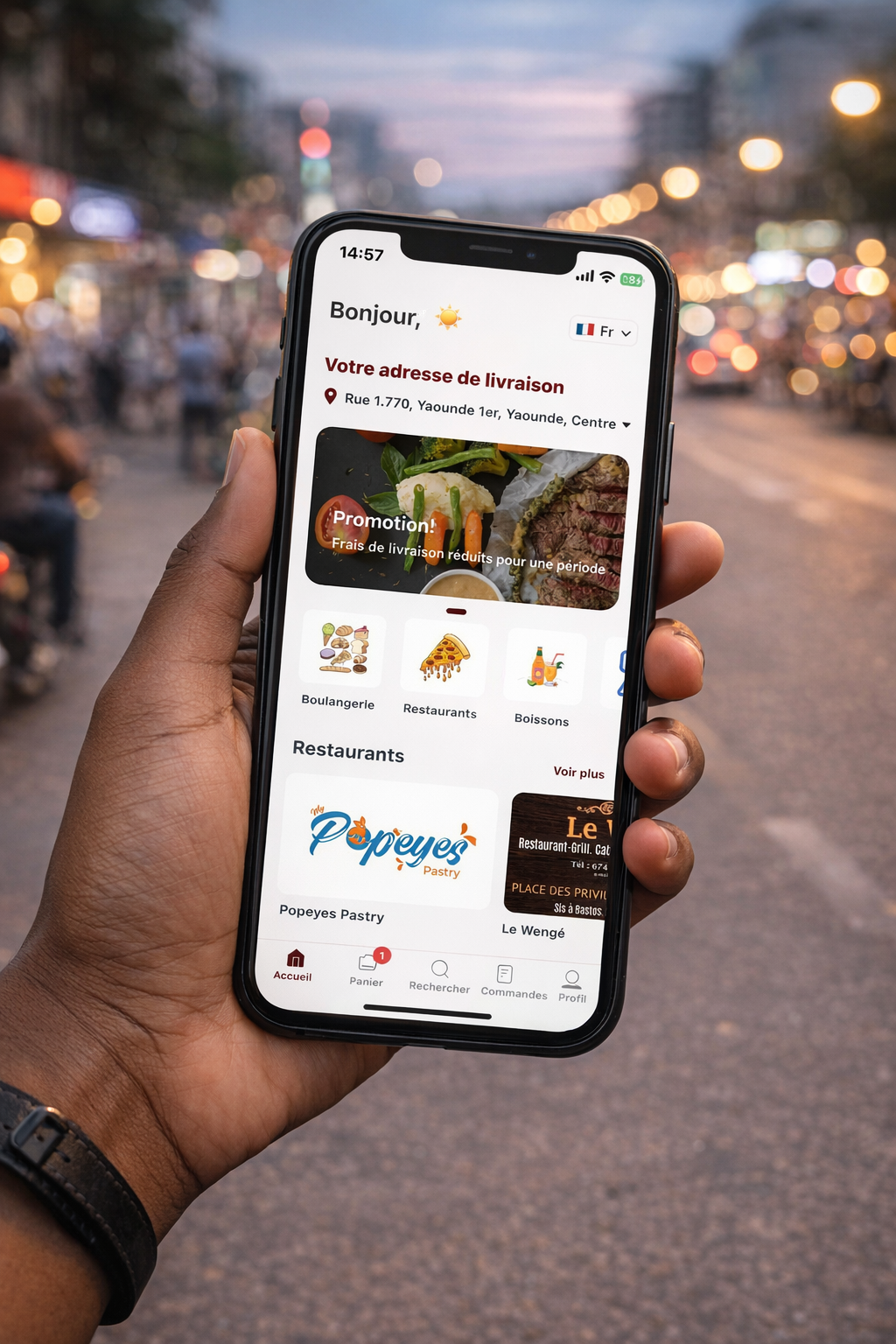
1. Getting started
Open the KOMER app and choose what you need—whether it's a ride, food delivery, or groceries. Enter your destination or delivery address to begin.
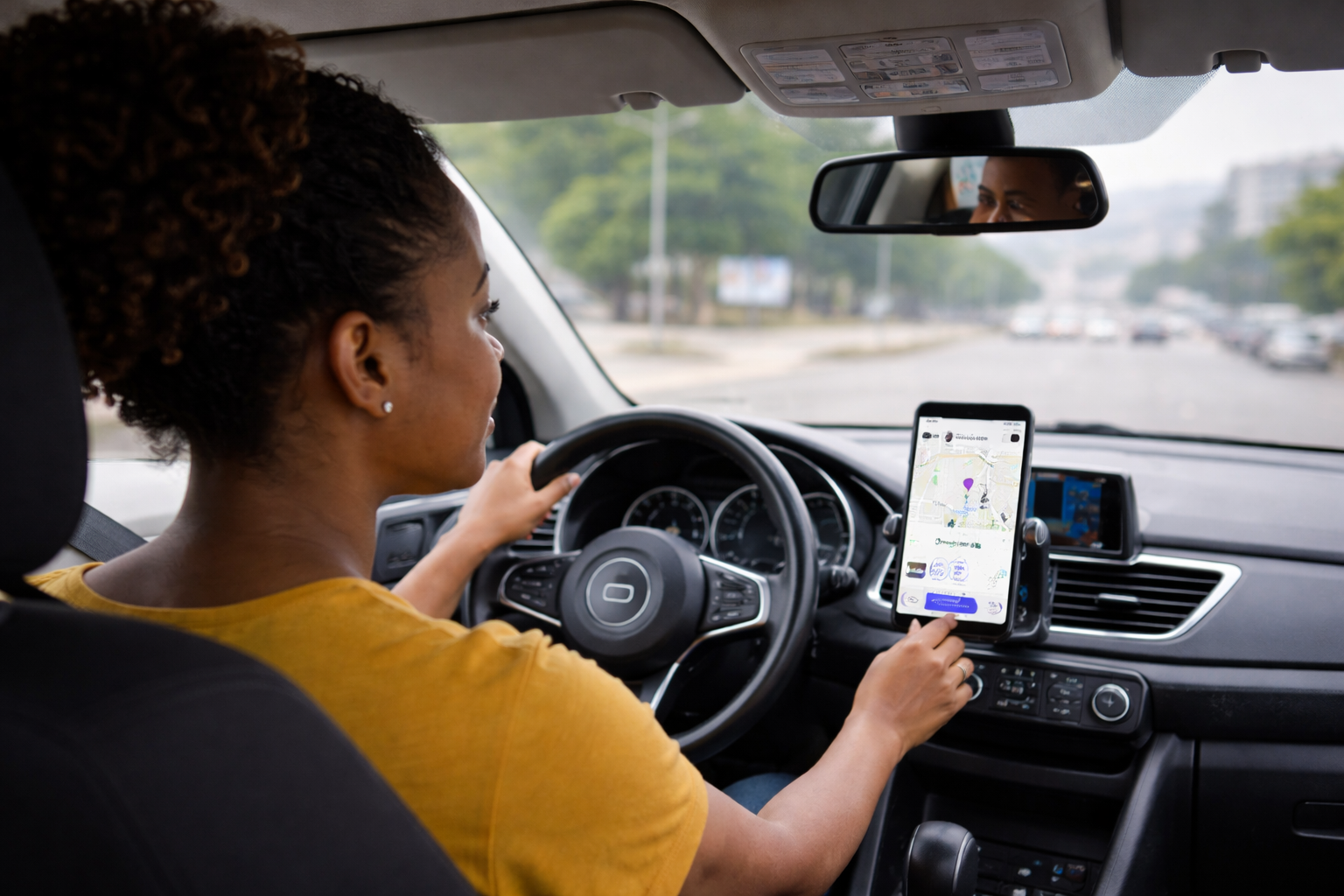
2. Matching with a partner
A nearby driver or vendor accepts your request. You're automatically notified as your partner or your order gets close to your location.
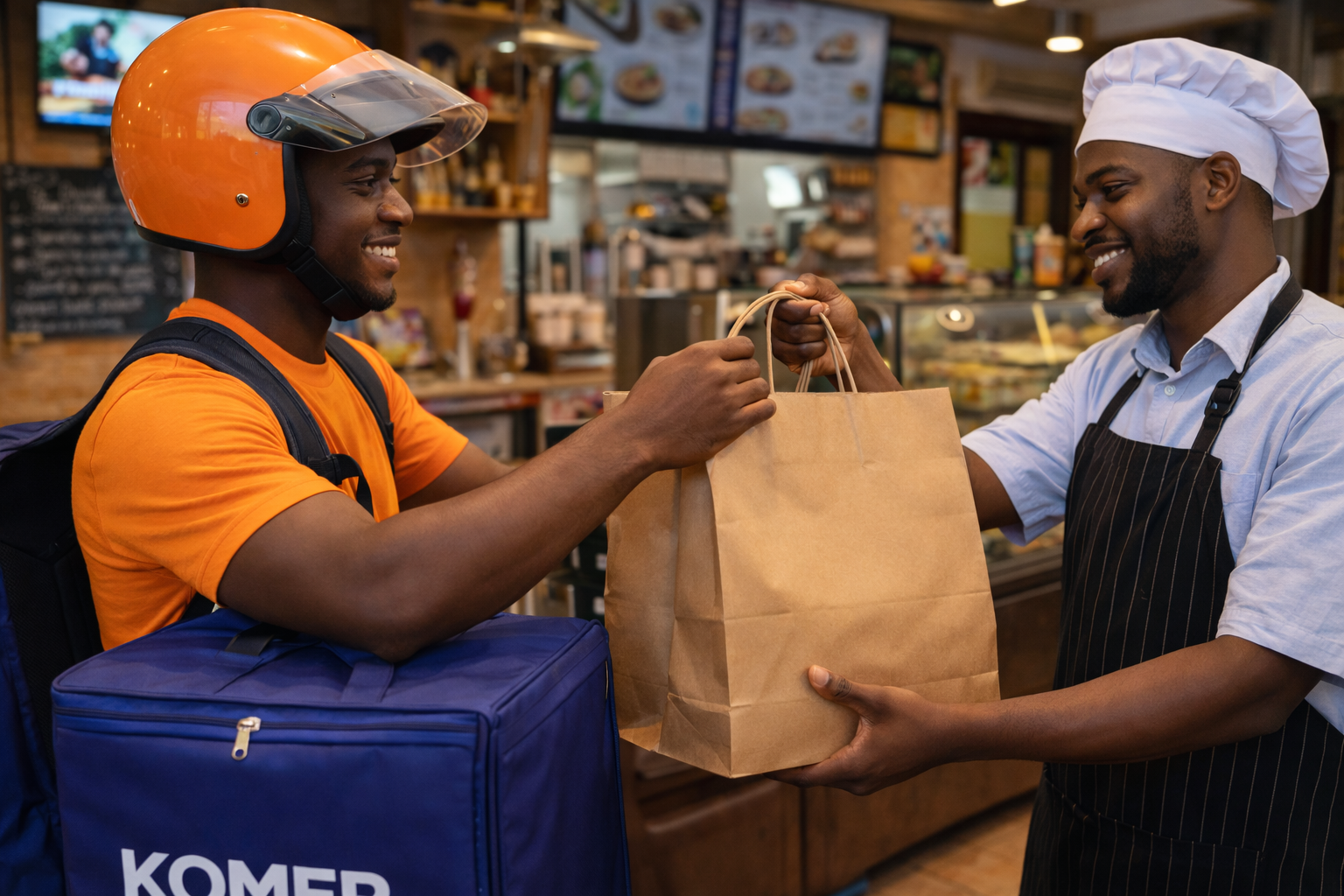
3. Preparing and picking up
For rides, your driver arrives at the pickup spot. For deliveries, your order is prepared by the vendor and picked up. You can track progress in real-time.
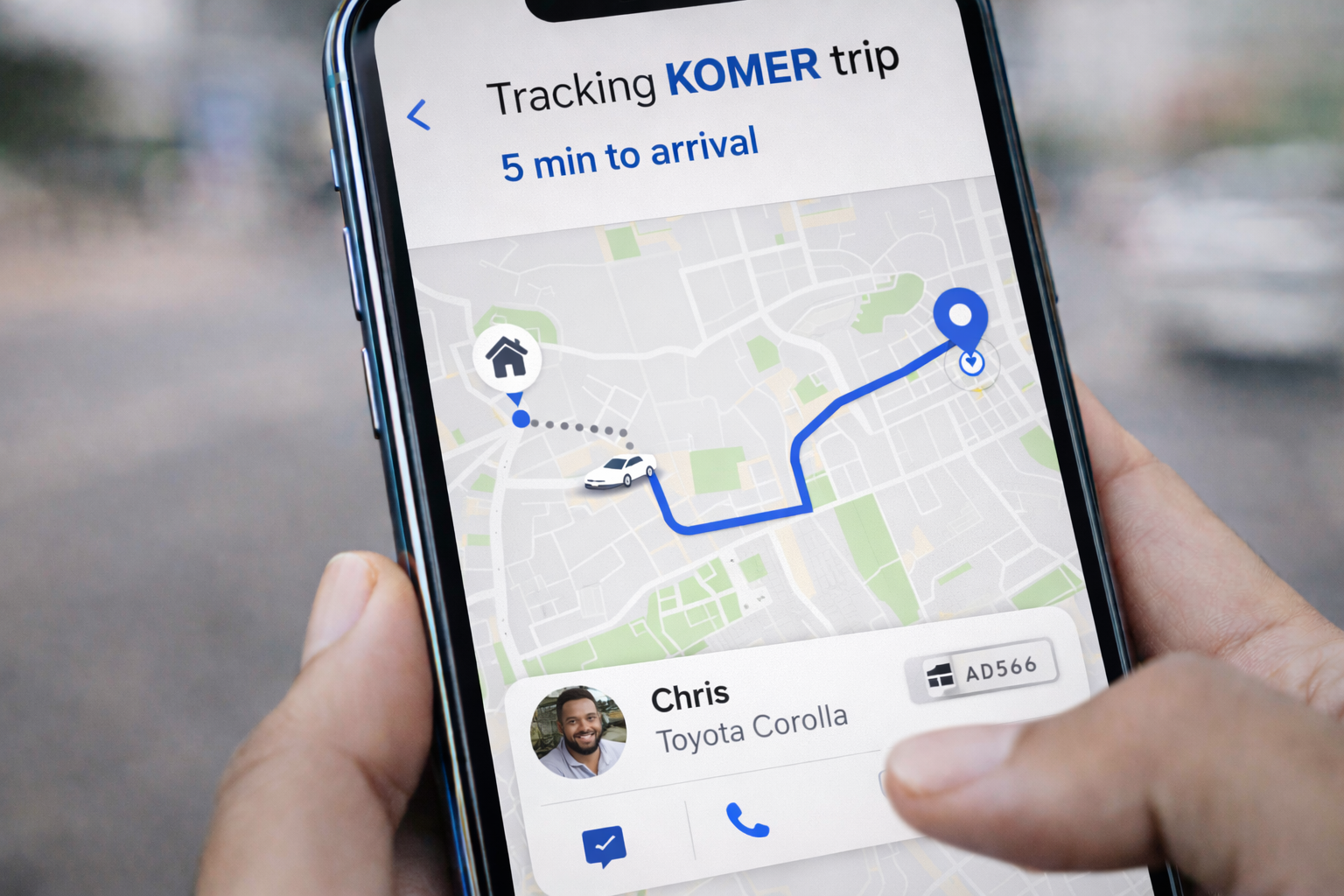
4. On the way
Relax as your driver or delivery partner navigates the optimized route. Monitor the ETA and track the vehicle on the live map until it reaches your destination.

5. Rating your experience
At the end of each trip or delivery, you can rate your experience from 1 to 5 stars. Your feedback helps us maintain top-quality service for the KOMER community.
Suggestions
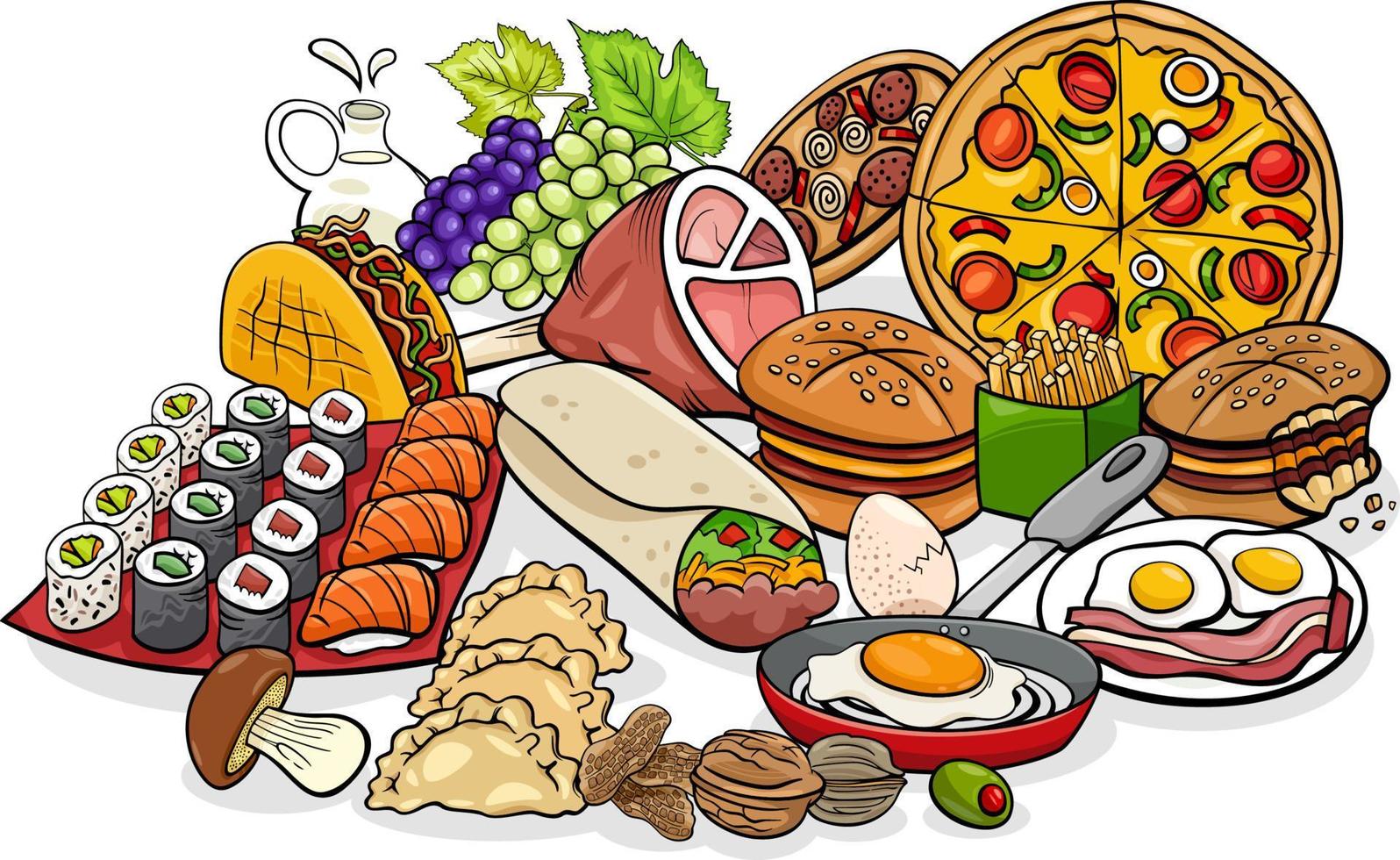
FOOD
Order delivery from local restaurants with KOMER Eats.
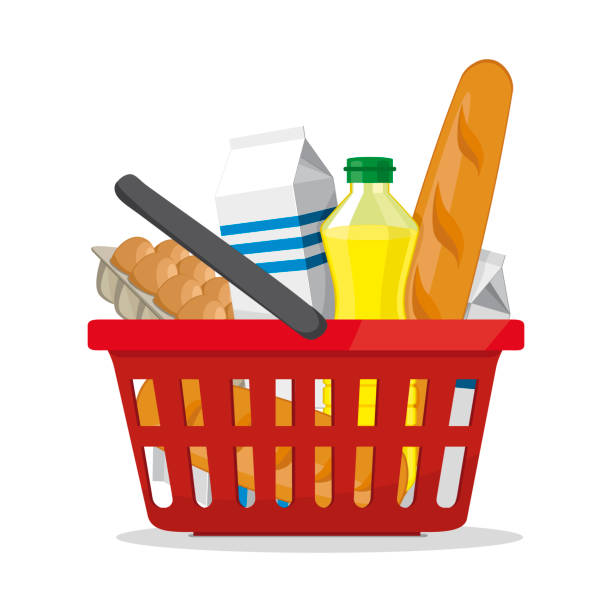
GROCERIES
Get groceries delivered to your door with KOMER Eats.
PHARMACY
Get essential medicines delivered to your doorstep safely.

Request a service online
You can find a ride, order food, or get groceries online without needing the app. Simply head to the KOMER website, and you're ready to enjoy the convenience of requesting from your computer or tablet.
KOMERçant login